
PLC, SCADA & Industrial Network Backup
Protect engineering projects and network configurations for industrial recovery.
Preserve the engineering files needed to rebuild industrial systems
Control-system recovery often depends on programs and configuration files that do not reside in conventional server image backups. Automated Results helps facilities establish a controlled repository for engineering and network device backup files inside the process control network.
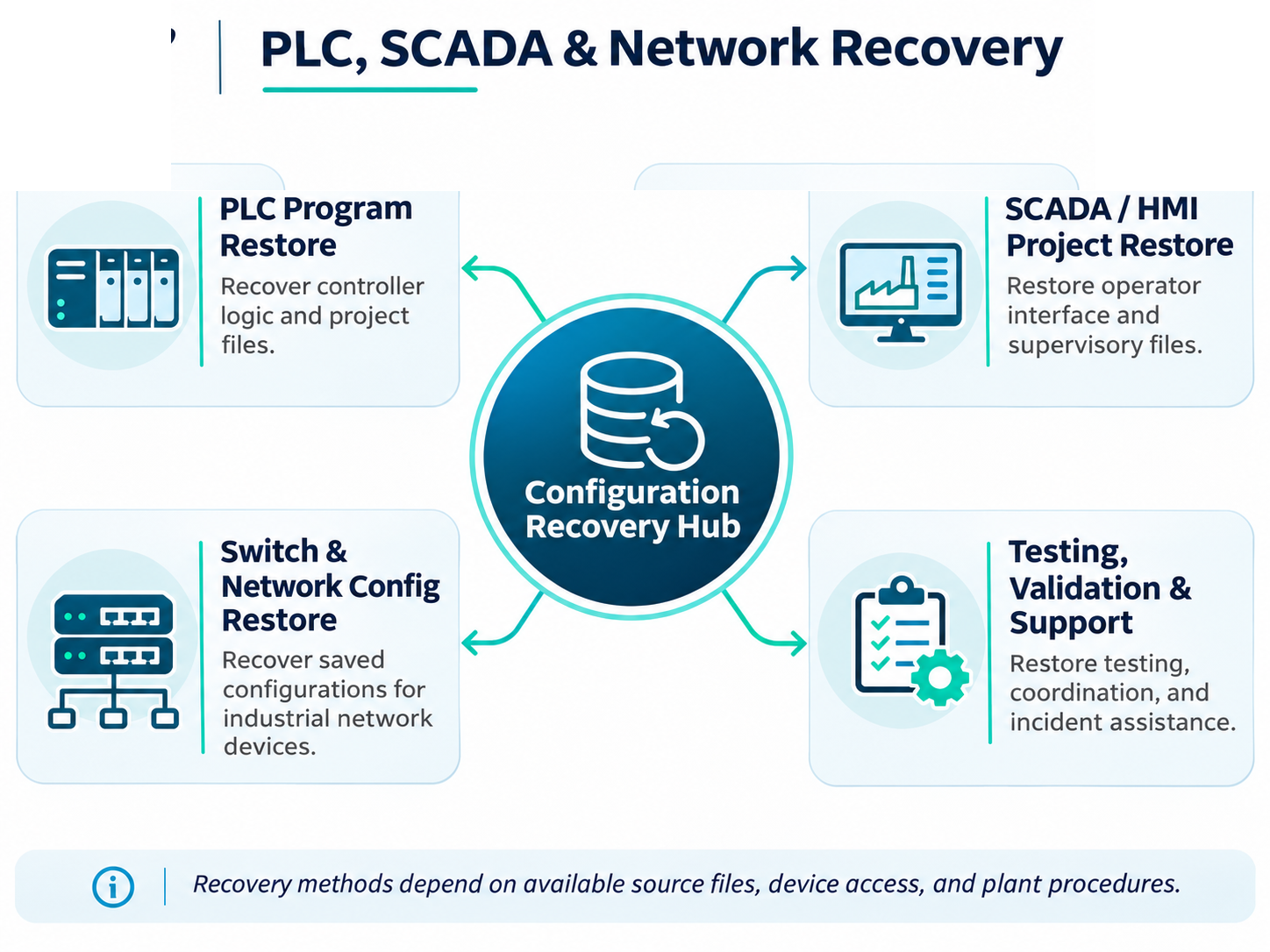
Engineering program repositories
Plant engineers can save PLC programs, HMI and SCADA projects, and related engineering files to designated file shares when changes are made or at agreed intervals. Automated Results then uses scripts to copy the submitted files to local backup storage and offsite disaster recovery repositories.
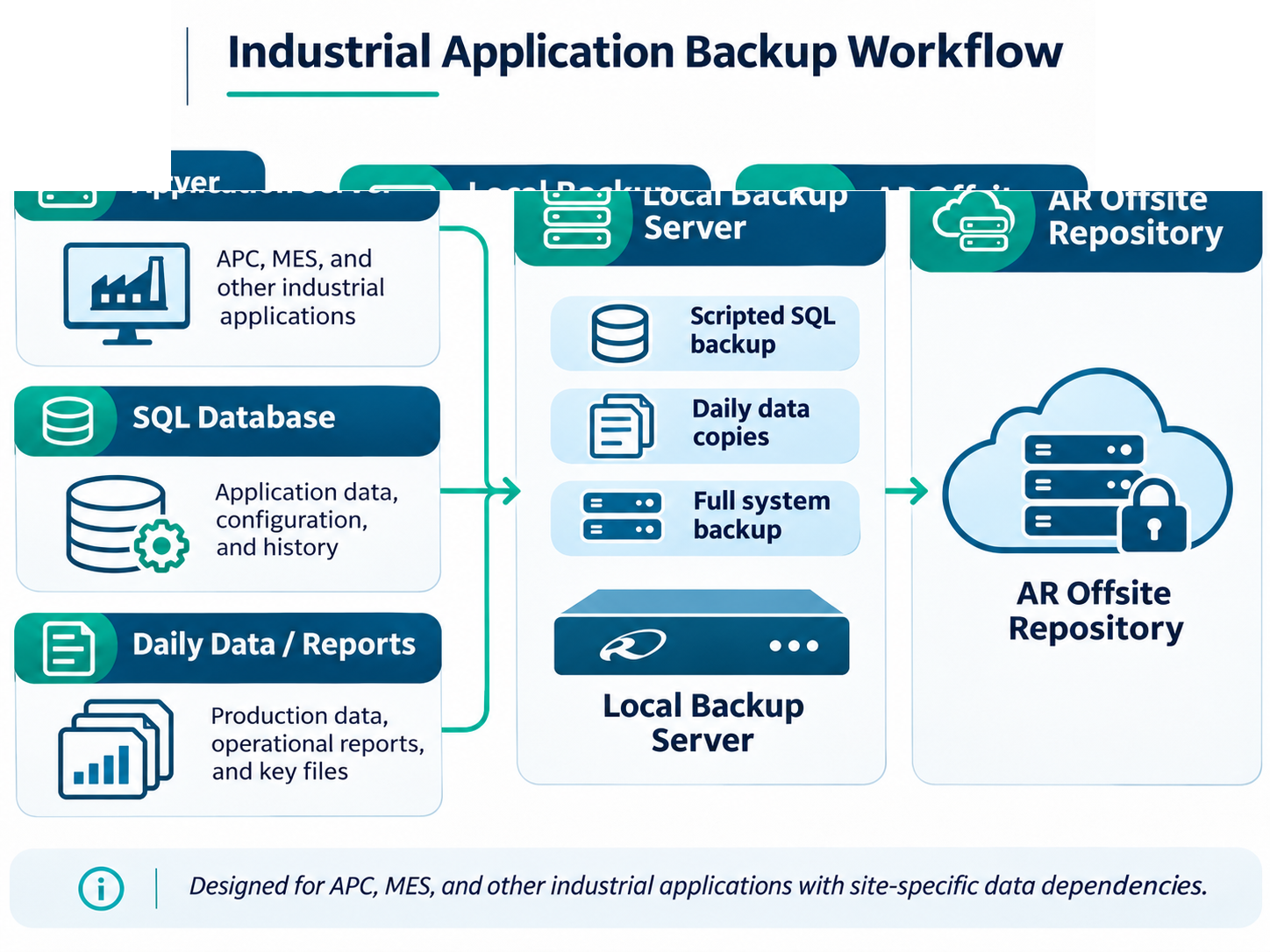
Industrial network configuration protection
The same method can protect exported configurations for industrial switches, routers, firewalls and other supported network equipment. Files are stored in a designated onsite share, collected by scheduled backup scripts, and copied to additional recovery locations.
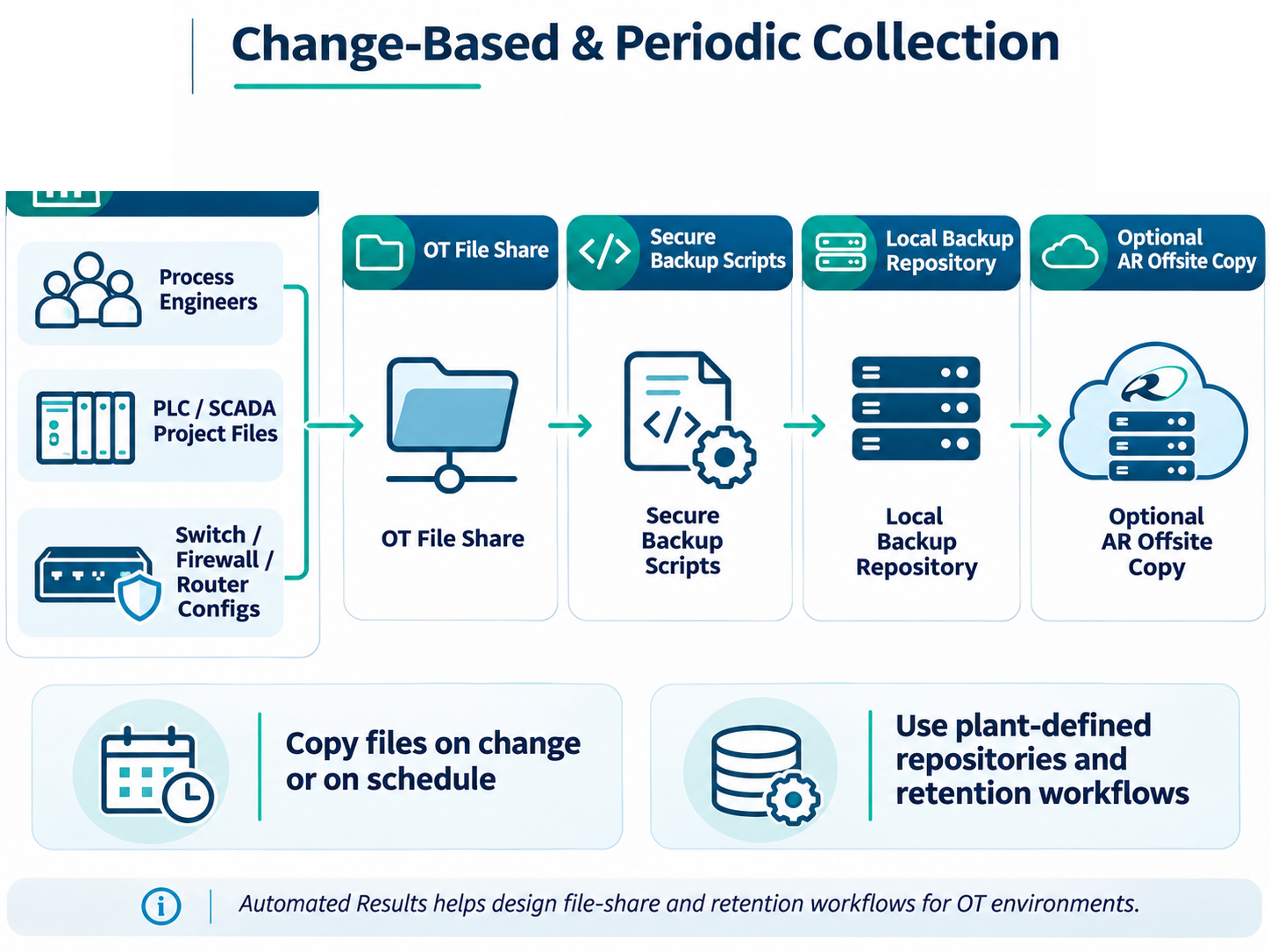
Clear responsibilities
File-share protection does not imply that the latest program has been extracted automatically from every controller or device. Plant personnel or an agreed automated process must submit current versions. The recovery plan should assign responsibilities for exports, naming, version handling, access, and restoration verification.
See Industrial OT Backup & Disaster Recovery.
Protect PLC, SCADA and Network Configurations
Discuss engineering-file collection, configuration retention, and restoration planning.